 Harbor
Ferry
Every server. One window.
by Earl Balai · Developer Tools
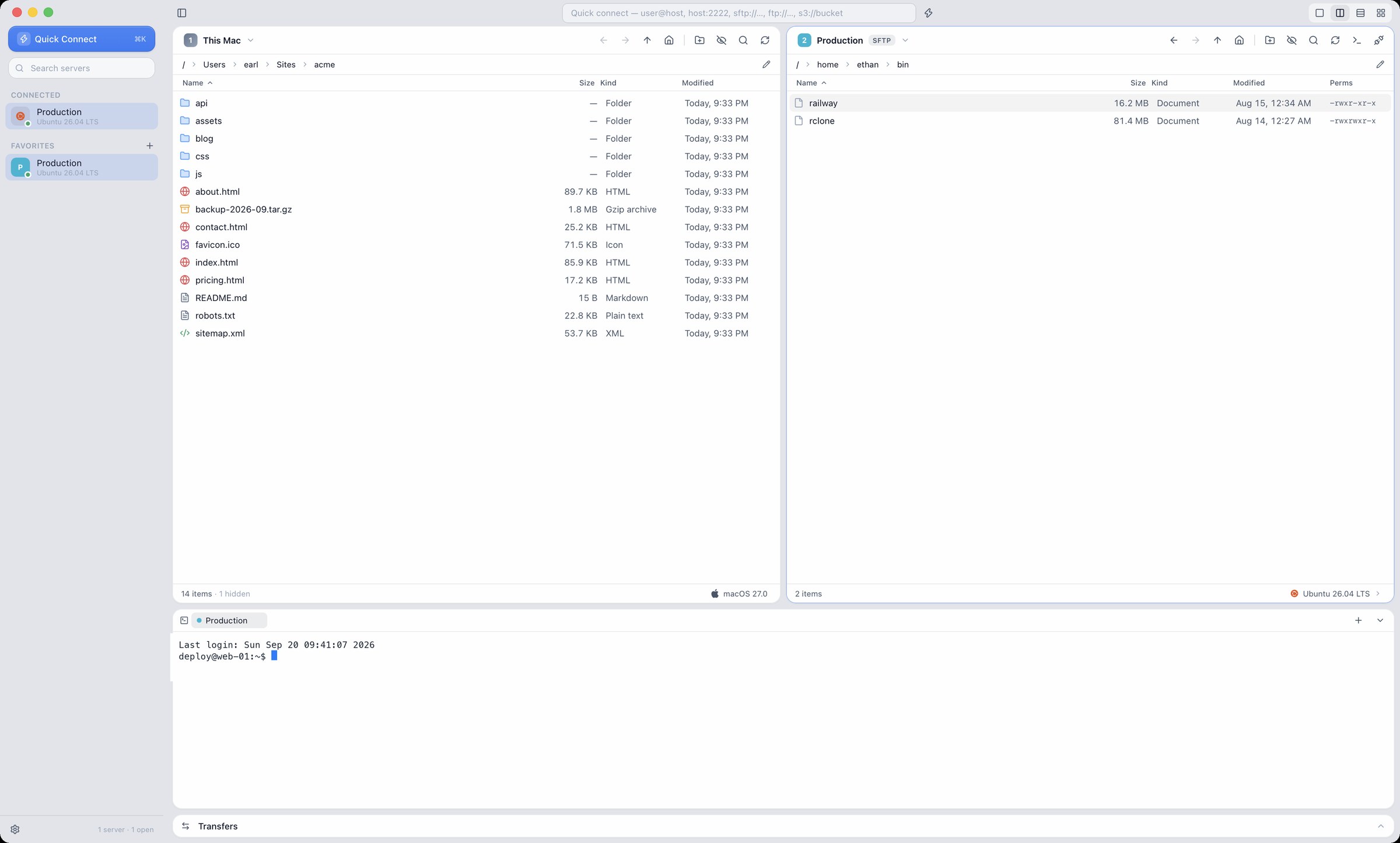
A fast, beautiful SFTP, FTP and S3 client for macOS and Windows. Several servers side by side, drag-and-drop between any of them, a terminal on the same connection — and passwords that never leave your machine.
Signed installer · updates verified before they install · 14-day free trial, then $29 once · v0.3.4, September 21, 2026

What you get
SFTP, FTP, FTPS and S3-compatible storage: MinIO, Cloudflare R2, Backblaze B2, Wasabi, DigitalOcean Spaces.
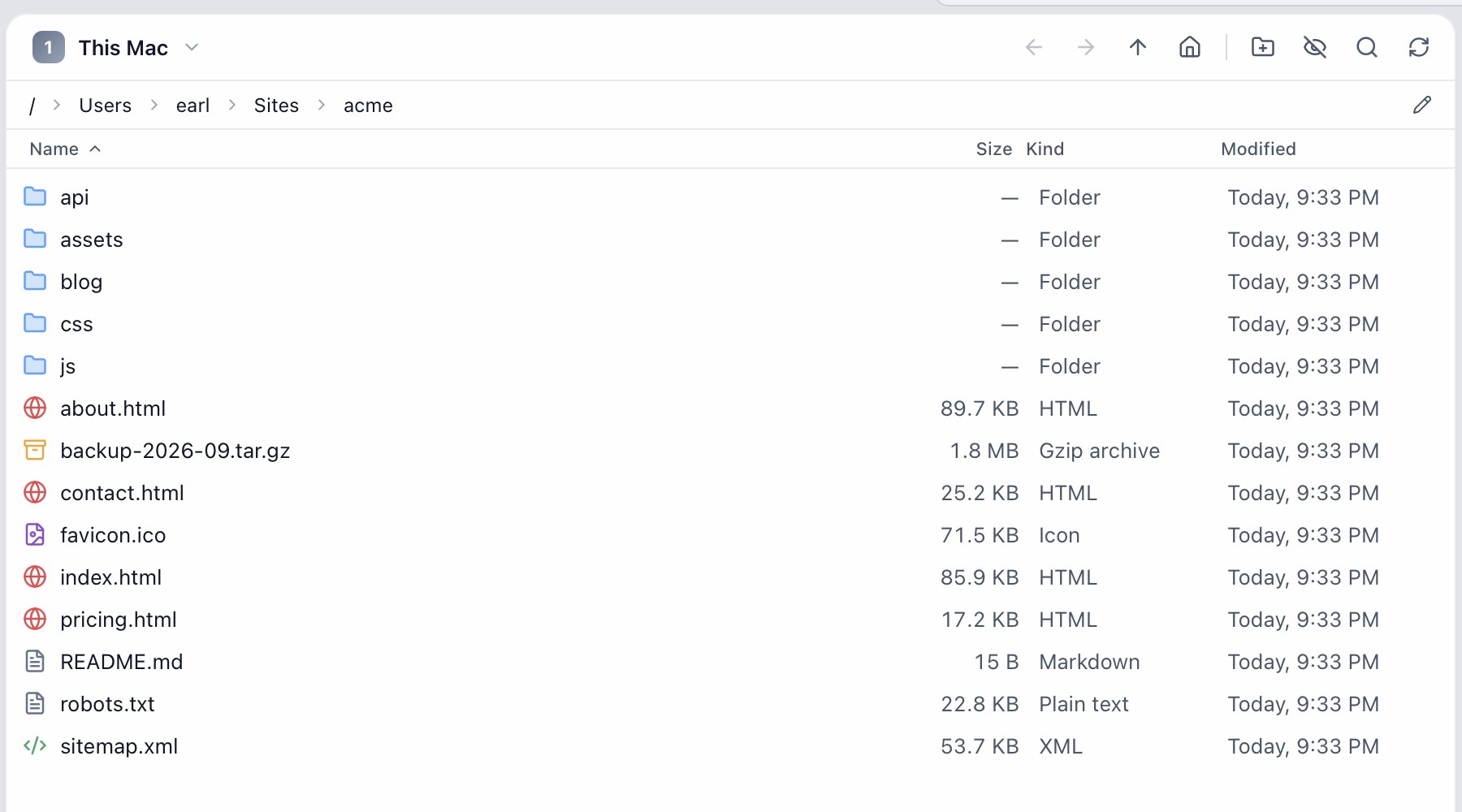
Local or any server in each pane. Drag and drop between any two, or copy to several servers at once.
Progress, speed and ETA per file, replace / skip / keep-both on conflicts, timestamps preserved.
One keystroke opens a shell over the SSH session you already have. No second login.
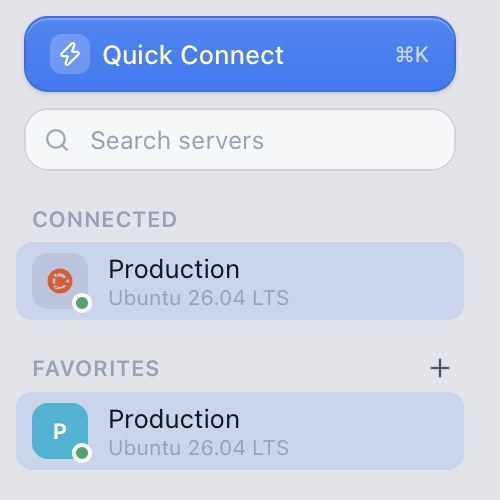
Detects the OS, distro and provider, shows brand icons, and edits permissions with an rwx grid or octal.
Import from FileZilla, Cyberduck, WinSCP and ~/.ssh/config. Export everything as one encrypted file.
An AES-256-GCM vault whose only key lives in the OS keychain. Host keys checked against known_hosts.
Liquid Glass on macOS 26, Mica on Windows 11, light and dark themes, accent colours.
What's new in 0.3.4
September 21, 2026Windows: Ferry now draws its own window frame — no more native title bar and menu row. The app menu lives under the Ferry icon at the top left, the caption buttons are Windows 11's own (Snap Layouts included), and light mode has solid, well-contrasted surfaces with Mica only behind the chrome. The window works down to 760×520; in a narrow window the sidebar slides over the content instead of squeezing it. Shortcut hints read Ctrl+K, not CtrlK.
Both platforms: About and Settings show the version you are actually running. A connection that is taking too long can be cancelled, and connecting shows which server it is reaching. A readable sidebar on glass. Check for Updates says "no updates found" instead of an error. Right-clicking a file shows the file's menu. Plus 0.3.0's built-in editor (Ctrl+E / ⌘E) and Quick Look (Space).
Download
Every download is the full app: 14 days free, then it asks for a license key.
Questions
How many computers can I use it on?
3, any mix of macOS and Windows. Moving to a new machine? Deactivate the old one from your account or inside the app.
Is it a subscription?
No. $29 once, and every update to this major version is included.
What happens after the trial?
Ferry keeps your sites and settings and asks for a key. Nothing is deleted.
Lost your key?
Sign in with the email you bought with — your keys, devices and receipts are all there.
Refunds?
If it is not for you, email within 14 days of buying and you get your money back, no questions.
Business or team?
Email hello@earlbalai.com for multi-seat licenses and invoices in your company name.
More questions?
The FAQ covers buying, accounts, refunds and privacy.